From Upload to Masterpiece.
Professional image editing without the learning curve. Just upload, describe what you want, and let our AI do the heavy lifting.
Real Results in Seconds
Drag the slider to see actual AI transformations. No Photoshop skills required.
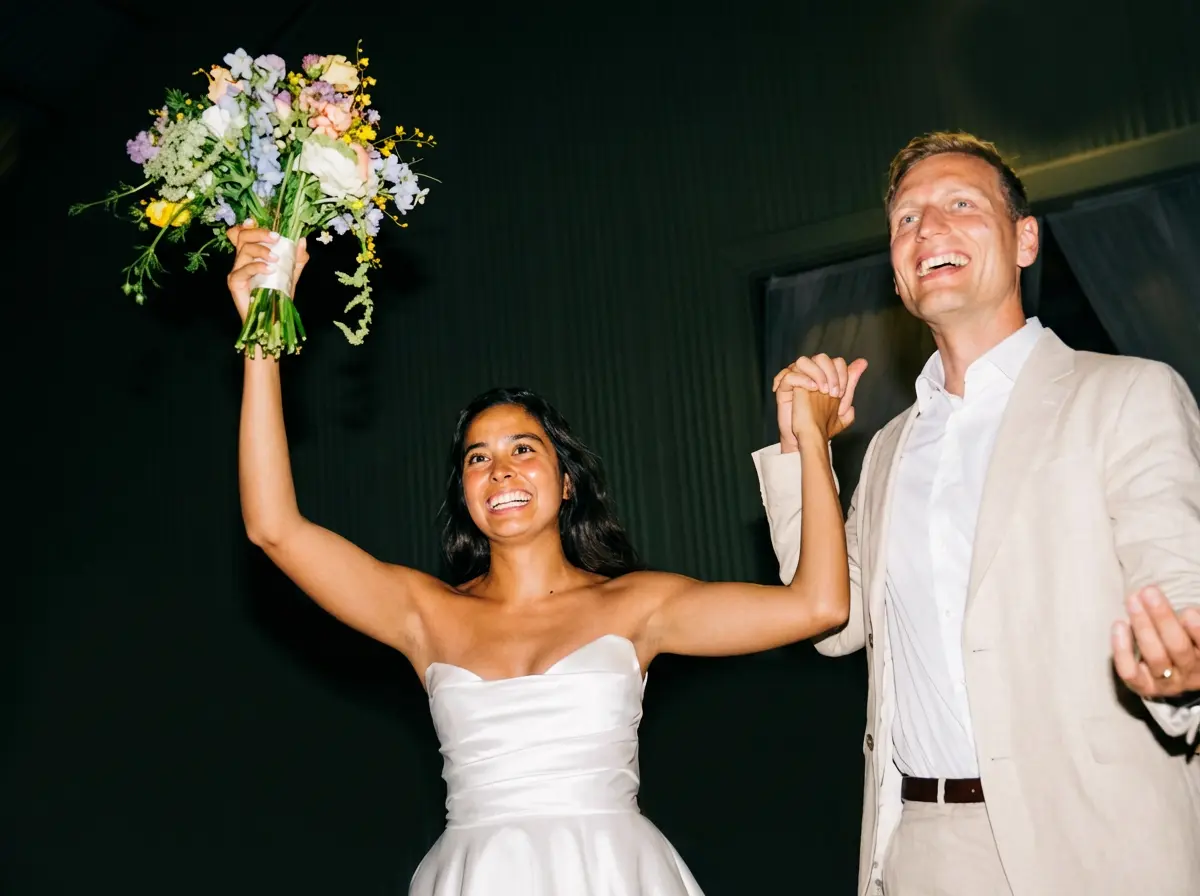
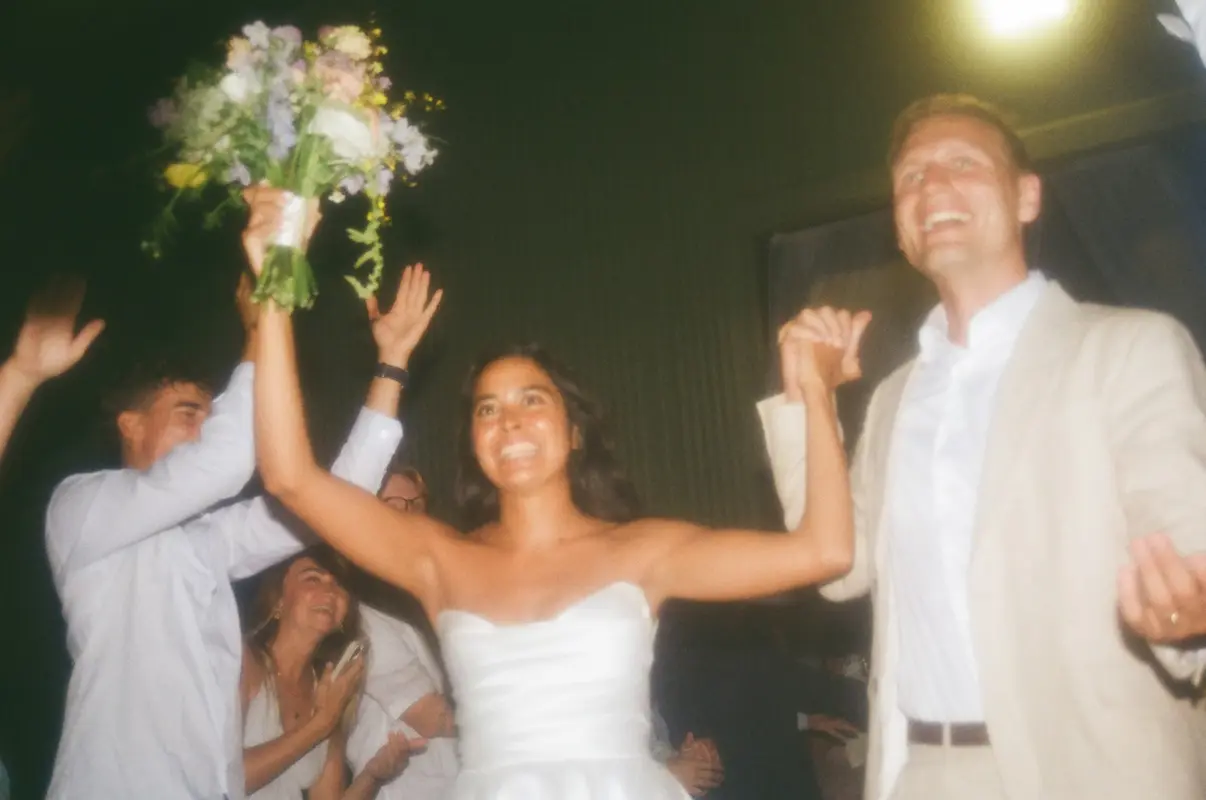
Drag the slider to compare before and after
Upload
Drag, drop, done
Simply drag your image into ZeroEdit or click to browse. We support JPG, PNG, WEBP, and more. Your image is securely uploaded in seconds.
Drop your image here
JPG, PNG, WEBP up to 10MB
The Complete Flow
From your original image to professional result in under 15 seconds
Drag and drop or click to select. Supports all common formats.
Type what you want in natural language. Be as creative as you like.
Nano Banana Pro analyzes and transforms your image with precision.
Compare with original, download in high quality, or refine further.
Built for Every Industry
See how different professionals are saving hours every week with ZeroEdit.
E-commerce
Create professional product photos with clean backgrounds and consistent lighting.
Social Media
Generate eye-catching thumbnails, apply trending styles, and resize for any platform.
Marketing
Create campaign visuals, edit hero images, and maintain brand consistency.
Real Estate
Enhance property photos, fix lighting, remove clutter, and stage virtually.
Skip the Learning Curve
What takes hours in Photoshop takes seconds with ZeroEdit.
What Can You Create?
Explore our specialized AI tools for any image editing task.
AI Image Generator
Create infographics, diagrams, and storyboards from text descriptions.
Background Remover
Remove backgrounds instantly for product photos and portraits.
Style Transfer
Transform photos into anime, oil paintings, and 50+ artistic styles.
Object Remover
Remove unwanted objects, people, and distractions from photos.
Image Extender
Expand images with AI outpainting to change aspect ratios.
Explore our complete toolkit
Frequently Asked Questions
Everything you need to know about using ZeroEdit
What image formats do you support? +
ZeroEdit supports all common image formats including JPG, PNG, WEBP, and GIF. Maximum file size is 10MB per image. We output high-quality PNG or JPG based on your original format.
How does the AI understand my requests? +
We use Google's Nano Banana Pro, their most advanced image generation model. It understands natural language, context, artistic styles, and complex editing instructions. Just describe what you want like you would to a human editor.
Is my data secure? +
Your images are processed securely over encrypted connections. For free users, images are deleted immediately after processing. Paid users get cloud storage with the option to delete anytime. We never use your images for training.
What if I don't like the result? +
You can refine your prompt and try again. Each edit uses one credit. Pro tip: be specific about what you want - mention colors, styles, and exact objects. You can also use our before/after slider to compare results.
Can I combine multiple images? +
Yes! You can upload multiple images and combine them into a single edit. Perfect for creating composite images, merging subjects into new scenes, or generating creative mashups - like putting a person next to a car on a beach, all in one prompt.
How fast is the processing? +
Most edits complete in 8-12 seconds. Complex transformations or multi-image edits may take slightly longer. We use Google's infrastructure to ensure fast, reliable processing.
Ready to transform your images?
Start with 1 free credit. No credit card required. Experience the future of image editing in seconds.
Start Editing FreeNo credit card required 1 free edit included