Remove Unwanted Objects
From Any Photo.
Photobombers, power lines, ex-partners, trash - describe what to remove and our AI makes it disappear. No manual selection needed. Perfect results in seconds.

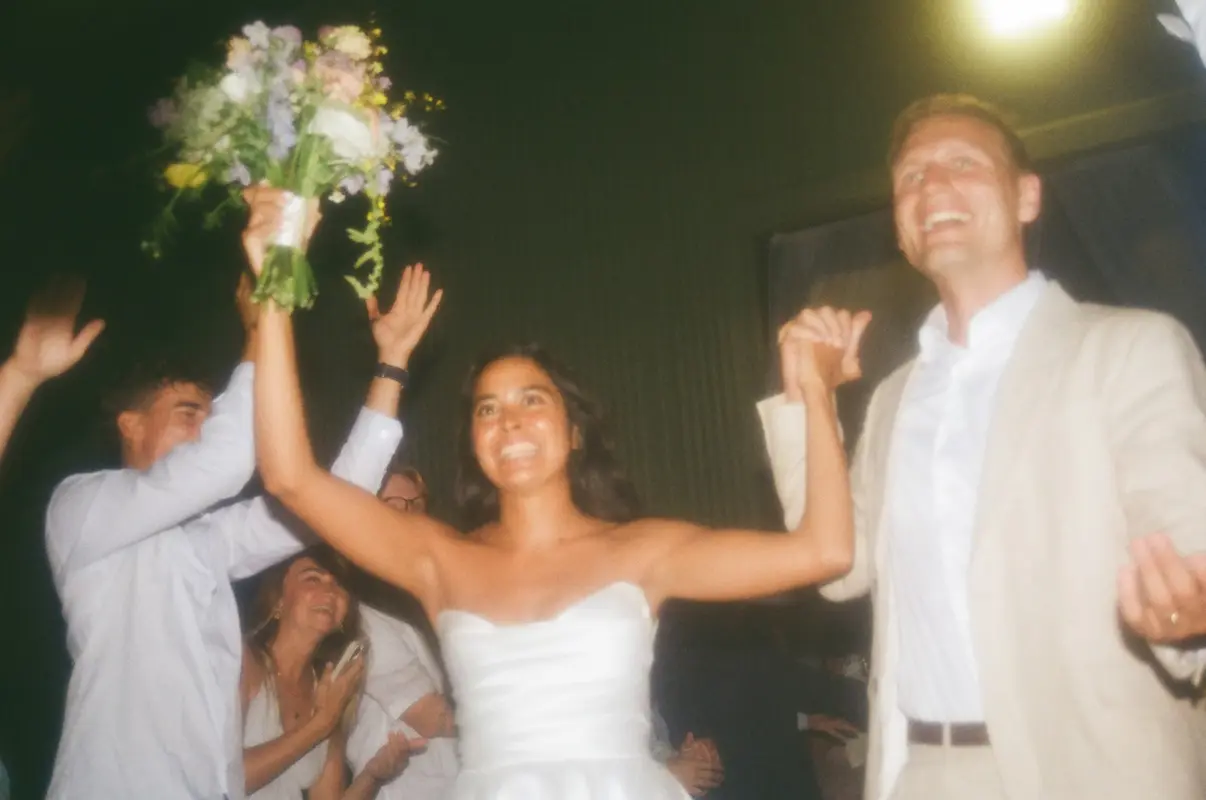
Drag the slider to see the before and after
Remove Objects in 3 Simple Steps
No manual selection or masking required. Just describe what to remove.
Upload Photo
Drag and drop or click to upload your image with unwanted objects.
Describe What to Remove
Tell the AI what to remove: "Remove the person on the right" or "Delete the car".
Download Clean Image
AI removes the object and fills in the background seamlessly.
Remove Anything From Your Photos
Our AI can identify and remove virtually any object you describe.
People
- Photobombers
- Ex-partners
- Strangers in background
- Crowds
Objects
- Power lines
- Signs & billboards
- Trash & debris
- Vehicles
Blemishes
- Skin imperfections
- Scratches
- Watermarks
- Text overlays
Distractions
- Reflections
- Shadows
- Lens flare
- Date stamps
From Simple to Complex
See how our AI handles everything from easy cleanups to challenging removals.
Simple Background
Small objects on clean backgrounds
Complex Textures
Objects on detailed or patterned areas
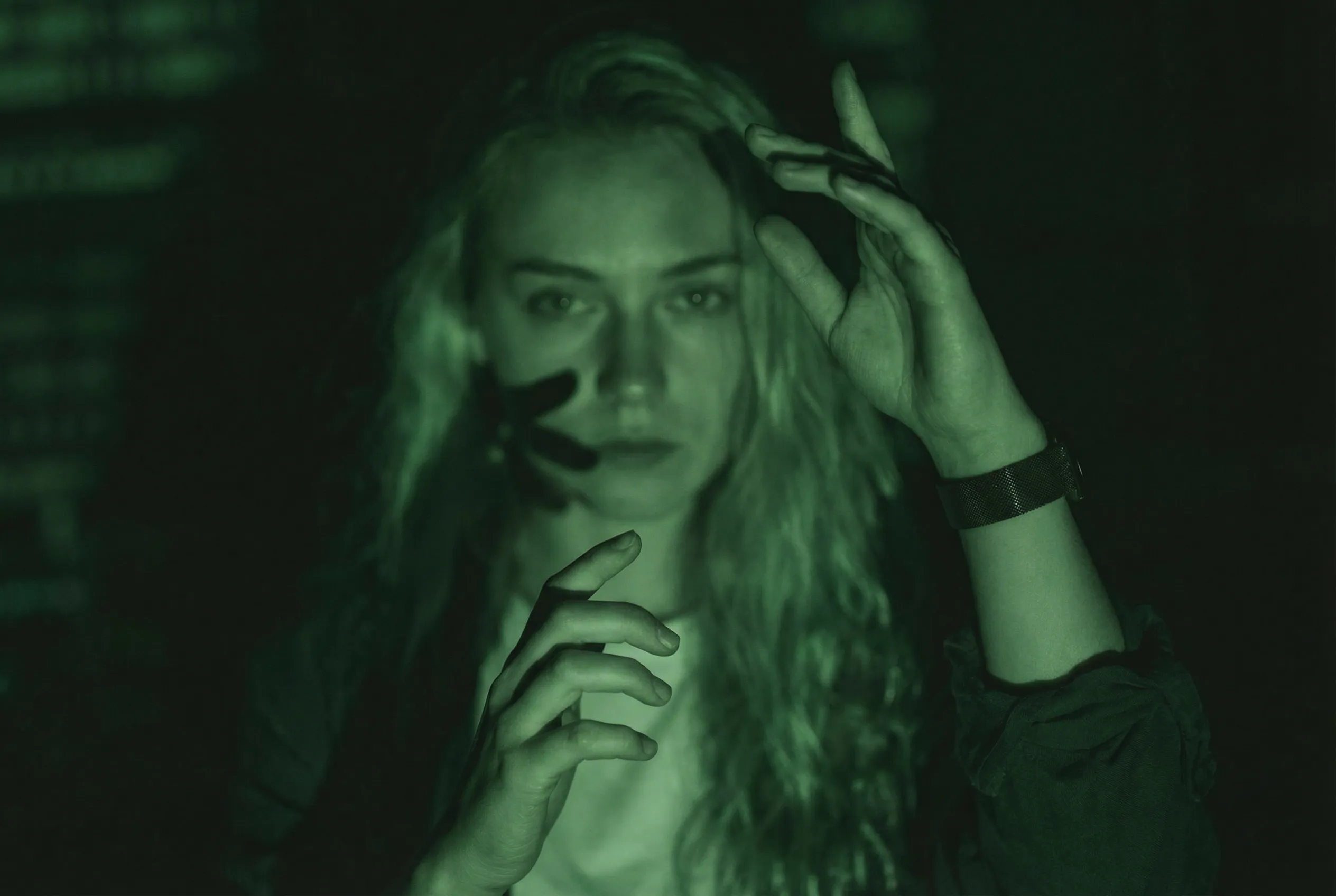
Large & Complex
Big removals requiring extensive reconstruction
Advanced AI Object Removal
Powered by state-of-the-art inpainting technology for seamless results. ZeroEdit is the unwanted object remover you've been looking for.
Remove Unwanted People
Photobombers, strangers in the background, ex-partners - remove anyone from your photos seamlessly.
Clean Up Distractions
Remove power lines, trash, signs, vehicles, or any object that distracts from your subject.
AI-Powered Inpainting
Our AI doesn't just remove - it intelligently fills in the background to look natural.
Preserve Image Quality
Removed objects leave no trace. The edited area matches the surrounding pixels perfectly.
How We Compare
See why creators choose ZeroEdit for object removal
Frequently Asked Questions
Everything you need to know about AI object removal
How do I tell the AI what to remove? +
Simply describe what you want to remove in plain English. For example: 'Remove the person in the red shirt', 'Delete the power lines', or 'Erase the car in the background'. Our AI understands natural language and identifies the objects automatically.
What happens to the area where the object was? +
Our AI uses advanced inpainting technology to fill in the removed area. It analyzes the surrounding pixels, textures, and patterns to generate realistic replacement content that blends seamlessly with the rest of the image.
Can I remove multiple objects at once? +
Yes! You can list multiple objects in a single prompt: 'Remove the trash can, the sign, and the person on the left'. Our AI will handle all removals simultaneously.
Will removing objects reduce image quality? +
No. Our AI generates the replacement content at the same resolution as your original image. The edited areas are designed to match the quality and characteristics of the surrounding image perfectly.
What if the object I want to remove is large? +
Our AI can handle objects of any size, from small blemishes to large elements like vehicles or buildings. Larger removals may take slightly longer as more content needs to be generated, but the results are still seamless.
Ready to Clean Up Your Photos?
Join thousands of creators using ZeroEdit to remove unwanted objects from photos. Start with 1 free credit - no credit card required.