
Remove Any Person
From Your Photos.
Delete photobombers, strangers, ex-partners - anyone you want gone. Just describe who to remove and our AI makes them disappear without a trace.
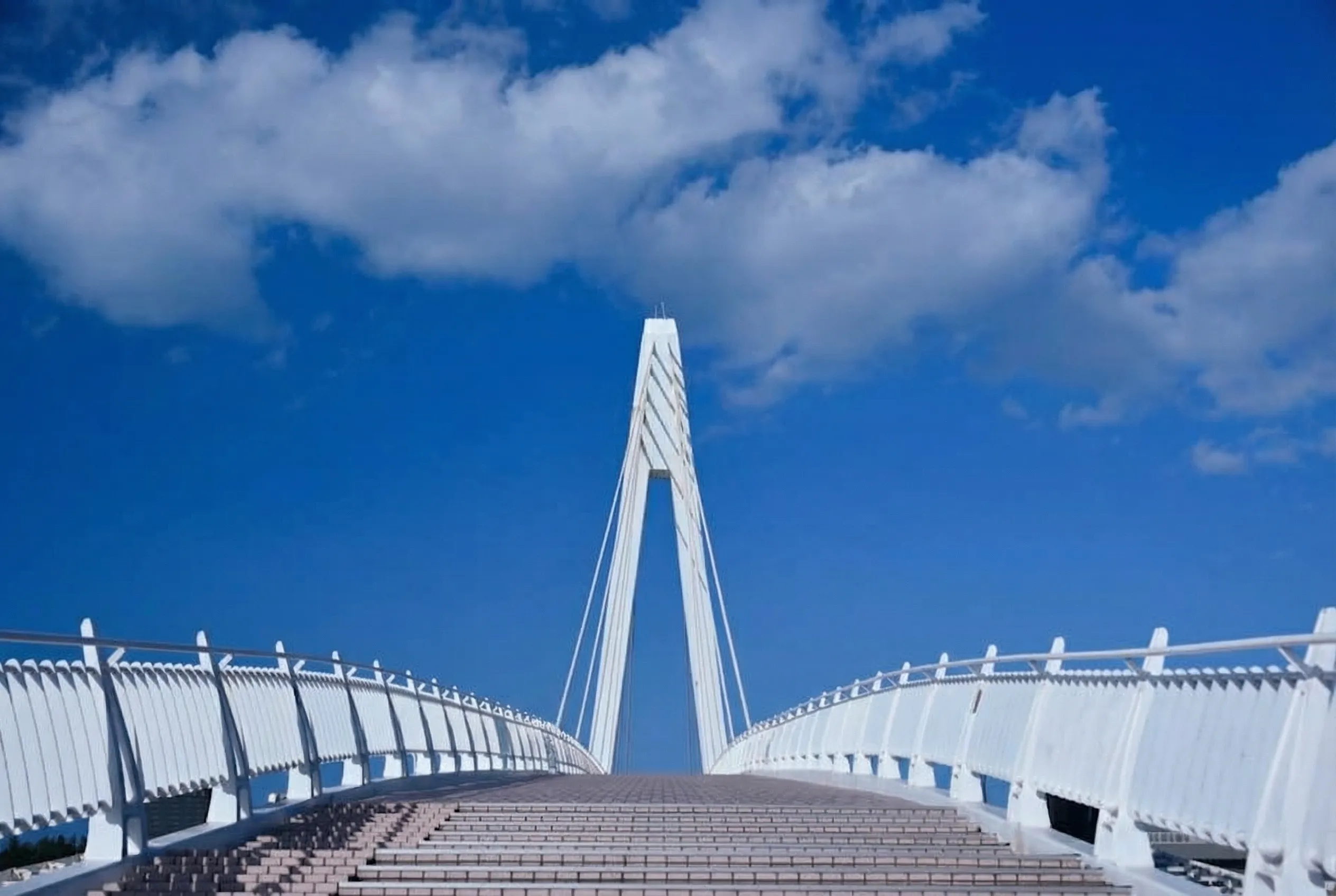
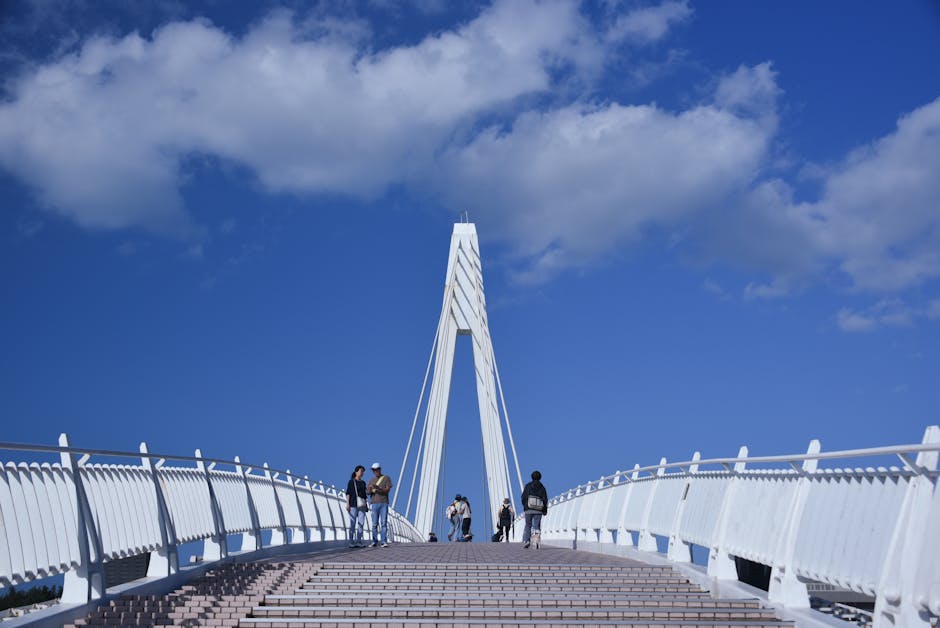
Drag the slider to see the before and after
Delete People in 3 Simple Steps
No manual selection or masking required. Just describe who to remove.
Upload Photo
Drag and drop or click to upload your image with the person you want removed.
Describe Who to Remove
Tell the AI who to remove: "Delete the person on the right" or "Remove the man in blue".
Download Clean Image
AI removes the person and fills in the background seamlessly.
Remove People From Any Photo
Whether it's a photobomber at the Eiffel Tower or an ex in your vacation pics, we've got you covered.
Travel Photos
- Remove tourists from landmarks
- Delete strangers from beach shots
- Clean up crowded scenes
Family Photos
- Remove ex-partners
- Delete unwanted relatives
- Clean up group shots
Event Photos
- Remove photobombers
- Delete people blocking the view
- Clean up wedding shots
Professional
- Remove bystanders from headshots
- Clean product photos
- Fix real estate images
Advanced AI People Removal
Powered by state-of-the-art AI for seamless results. ZeroEdit is the ultimate tool to erase people from photos.
Remove Anyone Instantly
Photobombers, strangers, ex-partners - delete any person from your photos with a simple text prompt.
Natural Background Fill
Our AI doesn't just erase - it intelligently reconstructs the background where the person stood.
Describe Who to Remove
Just say 'remove the person in blue' or 'delete the man on the left' - no manual selection needed.
Remove Multiple People
Need to remove several people? List them all in one prompt and watch them disappear together.
How We Compare
See why creators choose ZeroEdit to delete people from pictures
Frequently Asked Questions
Everything you need to know about removing people from photos
How do I specify which person to remove? +
Simply describe the person you want removed using natural language. For example: 'Remove the person wearing the red jacket', 'Delete the man standing on the right', or 'Erase the woman in the background'. Our AI understands context and visual descriptions.
Can I remove someone from a group photo? +
Yes! Our AI excels at removing individuals from group photos. Just describe who you want removed, and the AI will seamlessly fill in the gap, making it look like they were never there.
What happens to the space where the person was standing? +
Our AI uses advanced inpainting to reconstruct the background. It analyzes the surrounding area - whether it's a beach, building, or room - and generates realistic content that blends perfectly with the rest of the image.
Can I remove multiple people at once? +
Absolutely! You can remove several people in a single edit. Just describe them all: 'Remove the couple on the left and the person in the red shirt behind me'. Our AI handles multiple removals simultaneously.
Will removing a person affect image quality? +
No. Our AI generates replacement content at your original image resolution. The edited area is designed to match the quality, lighting, and texture of the surrounding image perfectly.
Ready to Remove Someone From Your Photos?
Join thousands of users removing unwanted people from their photos. Start with 1 free credit - no credit card required.