Upscale Images to 4K Resolution
Without Losing Quality.
Enlarge photos up to 4x their original size with AI. Our neural network enhances details, removes noise, and delivers print-ready resolution in seconds.
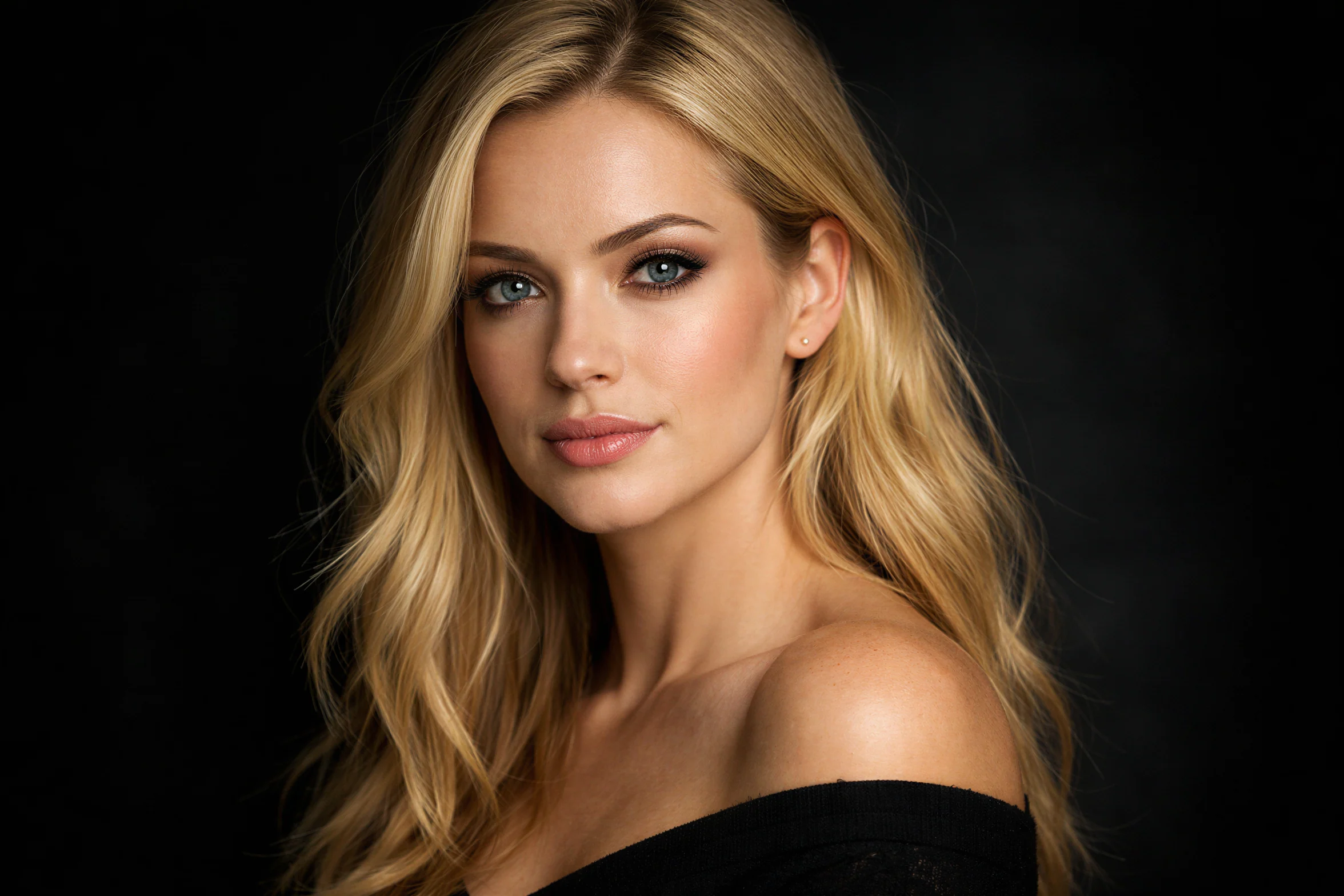
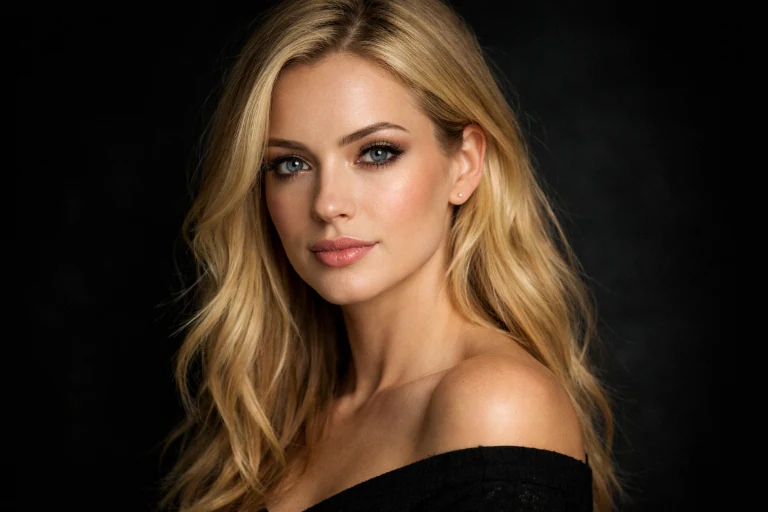
See the Difference
Drag the slider to compare low-resolution vs AI-upscaled quality
Upscale Any Image in 3 Simple Steps
No complex software or technical skills required. Just upload, choose your target resolution, and download.
Upload Your Image
Drag and drop or click to upload any image. We support JPG, PNG, WebP, and more.
Choose Resolution
Select your target resolution: 720p, 1080p, 1440p, or 4K. Or simply type "upscale to 4K" in the prompt.
Download HD Result
Get your upscaled image in seconds. Download in PNG, WebP, or JPEG format.
More Than Just Bigger Pixels
Our AI doesn't just stretch your image—it intelligently enhances every detail for truly professional results.
4K & Beyond
Upscale images up to 4x their original resolution. Transform 720p to 4K, or enhance already high-res images to stunning detail.
AI-Powered Enhancement
Our neural network doesn't just stretch pixels—it intelligently recreates missing details, textures, and sharpness.
Noise Reduction
Automatically remove compression artifacts, grain, and noise while upscaling. Get cleaner results than the original.
Preserve Details
Edges stay sharp, textures remain crisp, and faces look natural. No blur, no artifacts, just enhanced clarity.
Multiple Output Formats
Export in PNG for maximum quality, WebP for web optimization, or JPEG for smaller file sizes. Your choice.
Fast Processing
Get your upscaled images in seconds, not minutes. Our optimized AI pipeline delivers professional results quickly.
Perfect For Every Use Case
From professional photographers to e-commerce sellers, AI upscaling delivers results that matter.
Print & Large Format
Print-ready qualityPrepare low-resolution images for high-quality prints, posters, banners, and canvas. Perfect for photographers and print shops.
E-commerce & Product Photos
Higher conversion ratesEnhance product images for Amazon, Shopify, and other platforms. Higher resolution means better zoom and more sales.
Social Media Content
More engagementMake your Instagram, Pinterest, and LinkedIn visuals stand out with crystal-clear, high-resolution images.
Photo Restoration
Preserve memoriesBreathe new life into old family photos, scanned images, and vintage pictures. Restore clarity while upscaling.
ZeroEdit vs Traditional Upscaling
See why AI-powered upscaling delivers superior results.
Frequently Asked Questions
Everything you need to know about AI image upscaling.
How much can I upscale an image? +
You can upscale images up to 4x their original resolution. We offer target resolutions of 720p (HD), 1080p (Full HD), 1440p (2K), and 2160p (4K). The AI automatically determines the best upscaling factor based on your source image.
Will upscaling make my image blurry? +
No! Unlike traditional upscaling that simply stretches pixels (causing blur), our AI-powered upscaler intelligently recreates missing details. The result is sharper, clearer, and often better than the original.
What types of images work best for upscaling? +
Our AI upscaler works great on photos, illustrations, artwork, and graphics. It's especially effective for product photos, portraits, landscapes, and scanned images. Very low quality or heavily compressed images may have some limitations.
Does upscaling remove noise and artifacts? +
Yes! The upscaling process automatically reduces JPEG compression artifacts, noise, and grain. Your upscaled image will often look cleaner than the original while having higher resolution.
How long does upscaling take? +
Most images are processed in 5-15 seconds. Larger upscale targets (like 4K) may take slightly longer. You'll see the result almost instantly compared to traditional software.
Can I upscale images for printing? +
Absolutely! Upscaling is perfect for preparing images for print. Convert your web-resolution photos to print-ready quality for posters, canvas prints, photo books, and more.
Ready to Upscale Your Images?
Join thousands of creators using ZeroEdit to enhance their images. Start with 1 free upscale—no credit card required.
No account required for first upscale